How to Use the Creative Memories Circle Cutter
How to Use Creative
Memories Circle Cutter
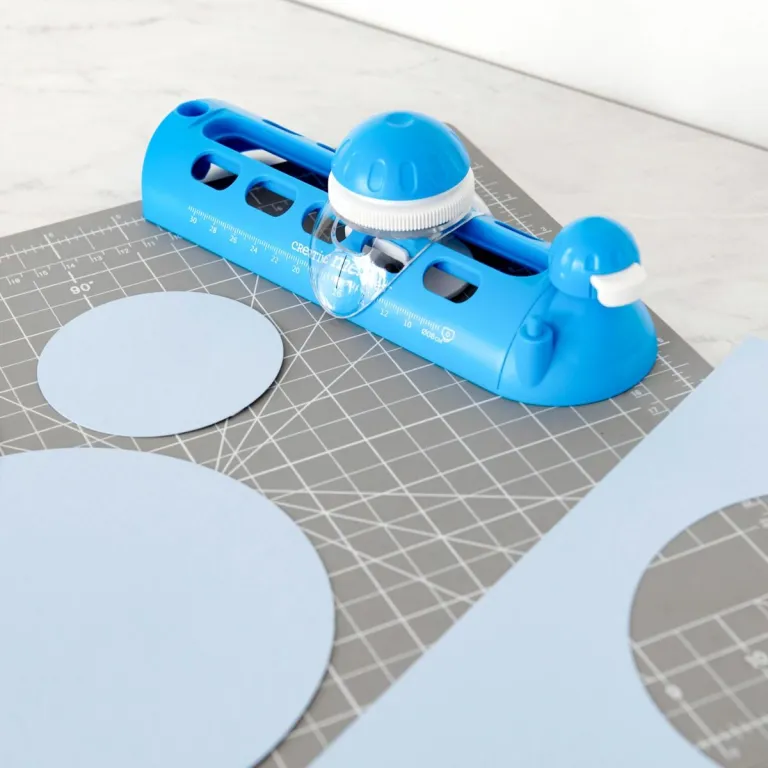
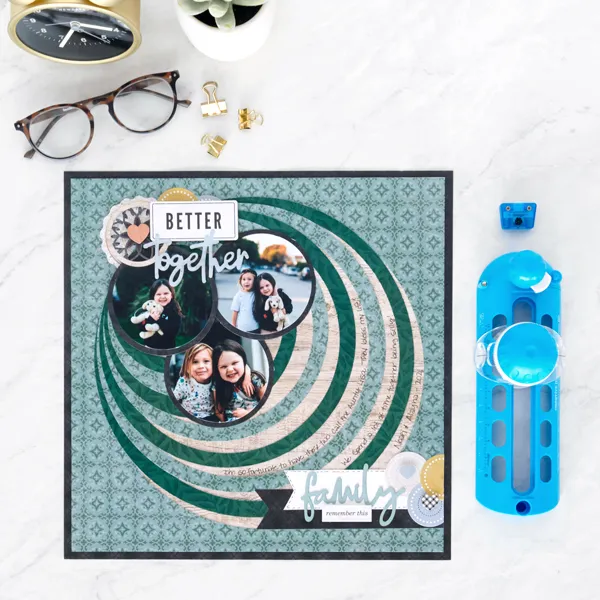
Creative Memories recently came out with a Circle Cutter that not only cuts a variety of circles (from 3 inches to 11-3/4 inches) but can also draw circles when you insert the fine-tip side of a CM Dual-tip Pen (sold separately). I will be using this new tool in my May page layouts video but for now I wanted to share a How To video for those of you who were lucky enough to get one in May and for those of you who have it on your wish list.
Some of you may be thinking, Why do we need a Circle Cutter when we already have the Custom Cutting System (CCS)? Great question! I was wondering the same thing. Here are some pros and cons I thought of:
Circle Cutter cuts larger circles than the CCS. The Circle Cutter can cut out and draw circles from 3″ to 11-3/4″ in diameter just by twisting the sizing dial
CCS cuts smaller circles than the Circle Cutter. CCS Circle Patterns can cut circles from .875″ to 6.375″ in diameter – up to 18 different sizes depending on which blade you use.
Circle Cutter is faster to use, you don’t have to switch out blades, just adjust with a dial.
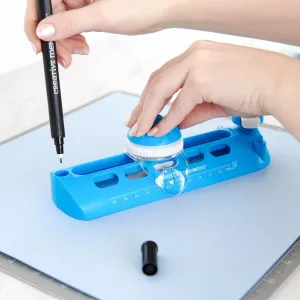
Circle Cutter can hold a CM pen for drawing circles
You can draw circles with your CCS Circle Patterns but only on the inside and outside edge of the patterns for a total of 6 sizes of a drawn circle.
Circle Cutter is best used for paper only; cutting your photos with it will reduce the life of your blade
CCS can cut both photos and paper
How to Order the Creative Memories Circle Cutter
You can find the link to shop here, then either search Circle Cutter or find it under the Tools category. There is an opportunity to get a notification as soon as they come out. You will find the link for notification in the product description on my CM website: creativememories.com/user/donnalyn
Fancy Page Layout Using Creative Memories Circle Cutter